DIGITAL WALLET
SERVICES
OPEN ACCOUNTS ONLINE
Ask for
KASASA
EARN 3.00% ON CASH AND CASH BACK CHECKING
Free checking.
Awesome rewards
Quality local service
Get the Card Suite Lite app today!


GOOGLE Pay and Apple Pay are NOW AVAILABLE for PBT Bancorp Mastercard®
Follow the steps to add your PBT Bancorp Mastercard® to your digital wallet for fast, secure tap-to-pay.

Adding your PBT Bancorp Mastercard to Apple Pay is simple!
Here's how to get started:
1. In Apple Wallet, on your iPhone, tap the Add button

1. In Apple Wallet, on your iPhone,
tap the Add button
- Tap Debit or Credit Card to add a new card.
2. Tap Continue.
3. Follow the steps on the screen to add a new card.
4. Verify your information with PBT Bancorp.
Here's how to get started:
- In Apple Wallet, on your iPhone, tap the Add button
⊕
• Debit or Credit Card to add a new card. - Tap Continue.
- Follow the steps on the screen to add a new card.
- Verify your information with PBT Bancorp.
Using Apple Pay
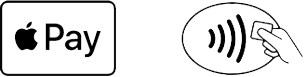
You can use Apple Pay wherever you see one of the symbols below. Or you can search for Apple Pay in Maps to see nearby stores that accept Apple Pay.

Add Your PBT Bancorp Mastercard to Google Pay (Google Wallet)
Before you start…
- Make sure your phone is an Android device with NFC (tap-to-pay) enabled.
- Download or update the Google Wallet app from the Play Store.

Step-by-step (Android)
- Open the Google Wallet app on your phone.
- Tap Add to Wallet (at the bottom).
- Tap Payment card → New credit or debit card.
- Add your card details by either:
- Scanning your card with your camera, or
- Selecting Enter details manually
- Tap Save and continue.
- Review and accept the issuer terms (your card provider’s terms), then tap Accept.
- Verify your card when prompted via text/email code.
- Once verified, your PBT Bancorp Mastercard® will appear in Google Wallet and is ready to use for tap-to-pay where Google Pay is accepted.
Frequently Asked Questions
What is a digital wallet and how does it work?
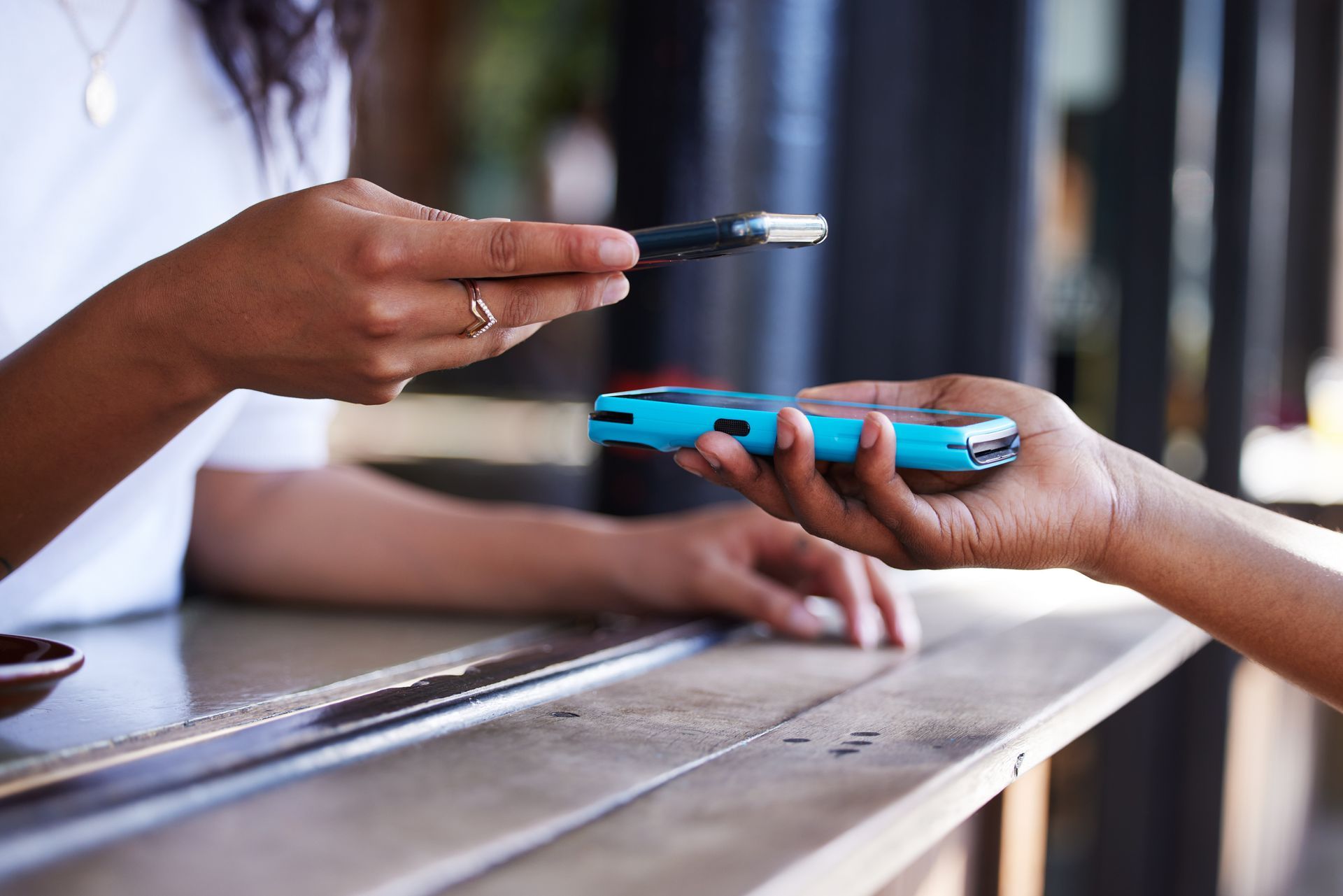
A digital wallet is an app that stores your credit, debit and gift card information so you can make purchases with your mobile device. You can use digital wallet apps like Google Pay™ or Apple Pay® on phones and smartwatches. The cards uploaded to your device will still have the same reward points and capabilities as your physical cards, so don't worry about being short-changed.
To make an in-store purchase, check for your digital wallet's logo at the point-of-sale (POS) system, open your wallet app, choose a card and then tap your device at the POS terminal. That's it, you're done.
Are digital wallets safe?
In short, digital wallets are safe, offering multiple layers of protection for every transaction.
At the first level, each transaction made using a digital wallet is protected through a technology called tokenization. This process encodes your debit and credit card details, so the numbers are never shared with a merchant. So if a retailer gets hacked, your credit or debit card number won't be compromised. This saves you the hassle of having to cancel your cards and get new account numbers in the event of a data breach.
At the next level, digital wallets have an additional layer of payment permission required when you want to make a transaction. Some wallets use biometric data like a fingerprint or facial recognition to confirm it's really you making the transaction.
What to do if your device is lost or stolen…
Losing your phone can feel like losing an integral part of your life. The good news is, if you follow the safety measures above, your digital wallet will be much safer.
The Find My Device feature, if activated, is a helpful way to locate your missing phone. You can also contact your mobile carrier to disable your smartphone and digital payment apps, blocking access to your personal information and sensitive data. Also, report the theft to the police so that you have a police report to provide to your carrier if they require documentation. Finally, be sure to log into your online banking app to temporarily freeze your cards for extra security.
Finally, digital wallet apps are designed to only interact with specific apps on your phone. This isolation can prevent malware that may affect other apps on your phone from infiltrating your wallet and stealing your financial information.